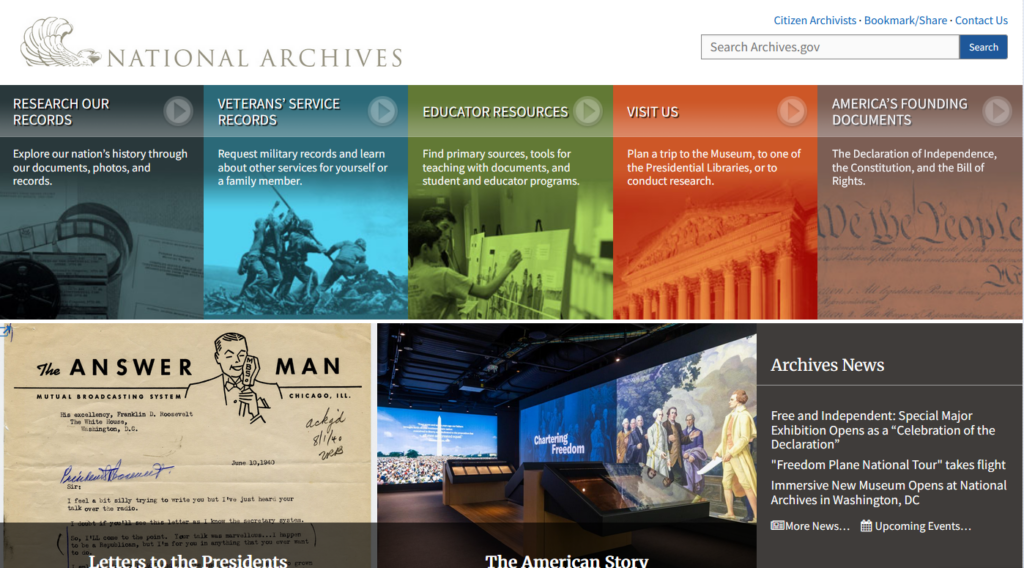
Head to the National Archives Website https://www.archives.gov/
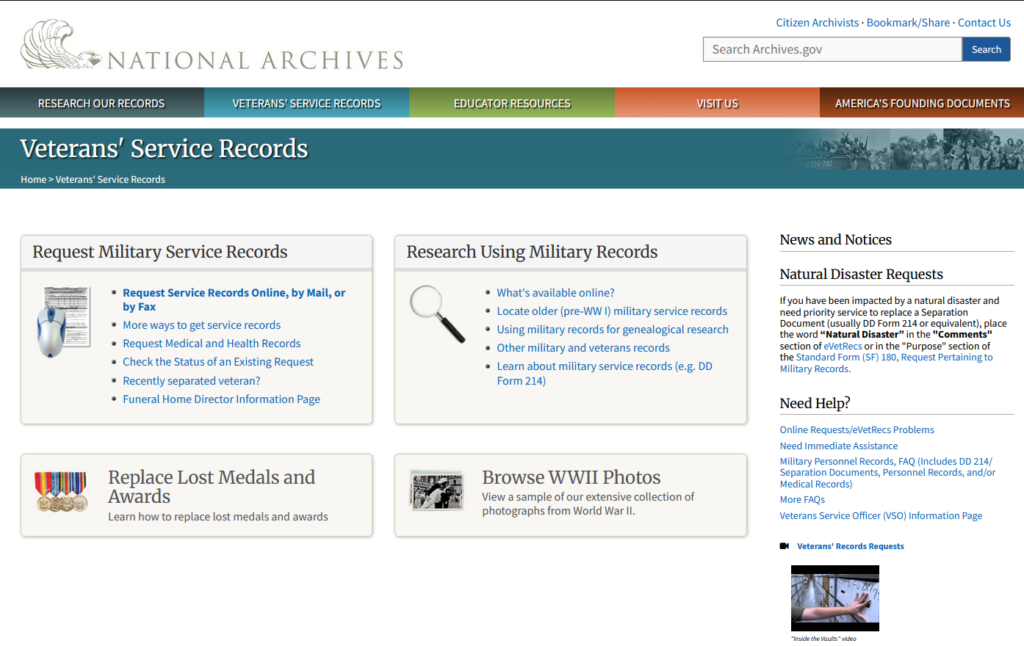
Click On Veterans’ Service records
In the Box labeled Request Military Service Records – Click On Request Service Records Online
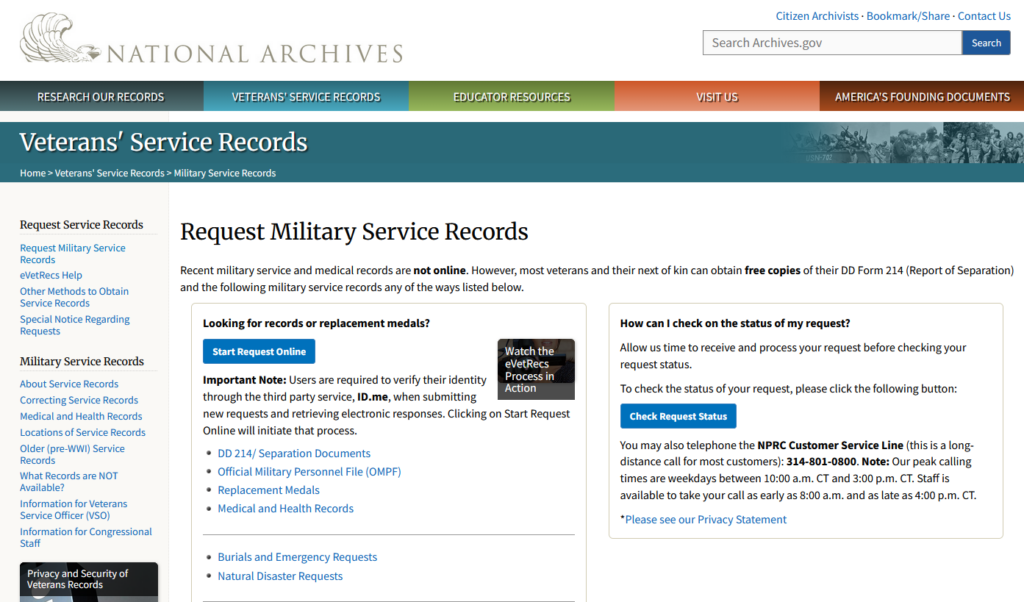
Click Start Request Online (Blue Box)
Click Make A New Request
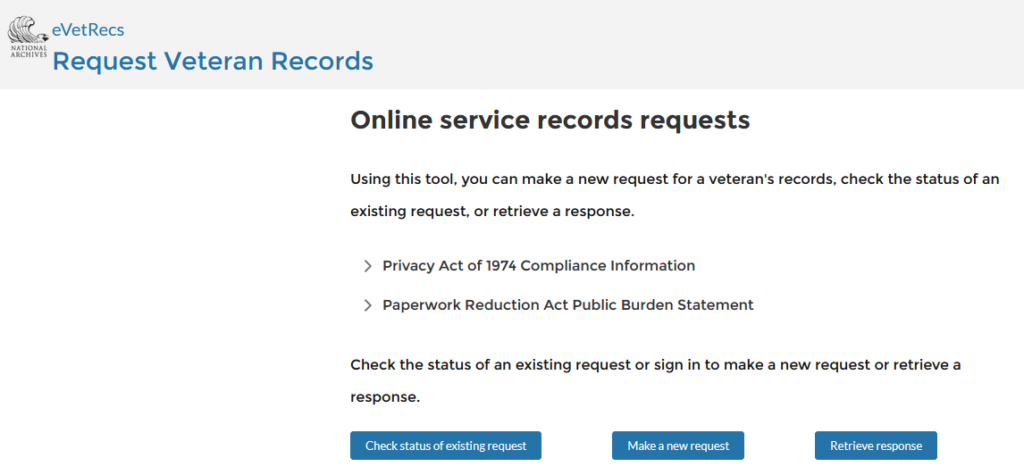
You will need to sign in with an ID.me account. If you do not have one you will need to create one. ID.me can also be used to login to VA.gov

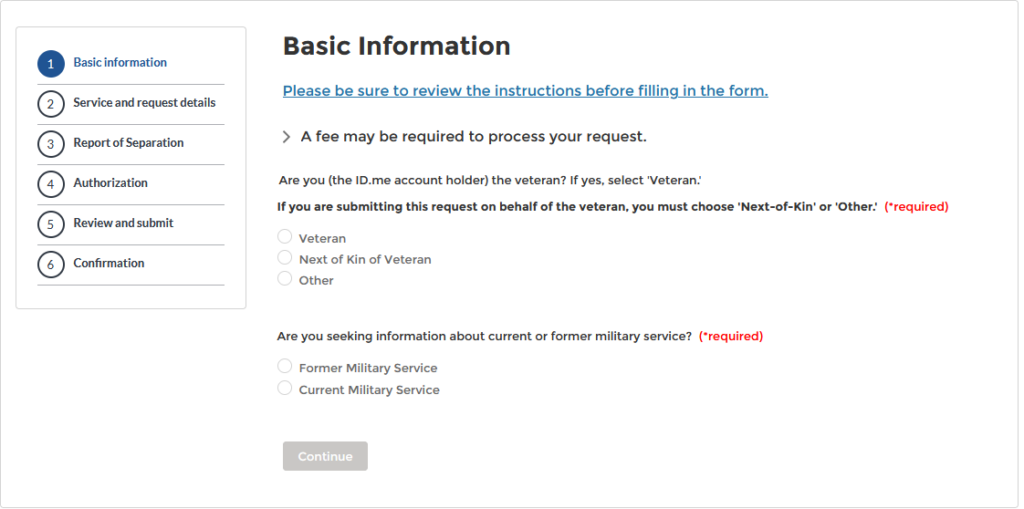
Once Signed in you will see the following page
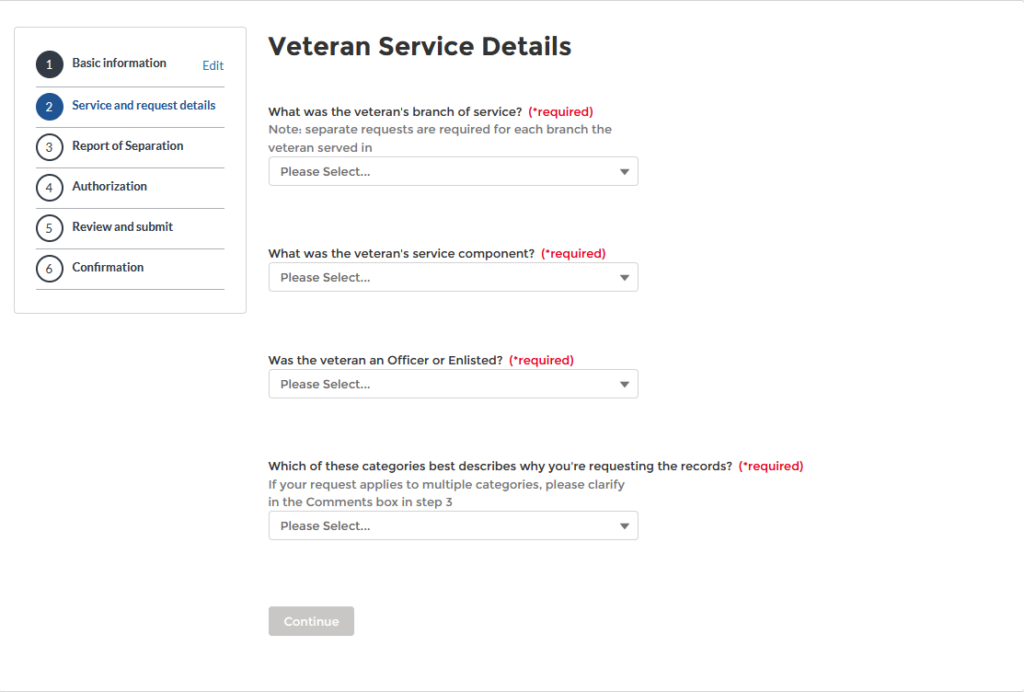
On Veteran Service details for the “Which of these categories best describes why you’re requesting the records” Chose Benefits
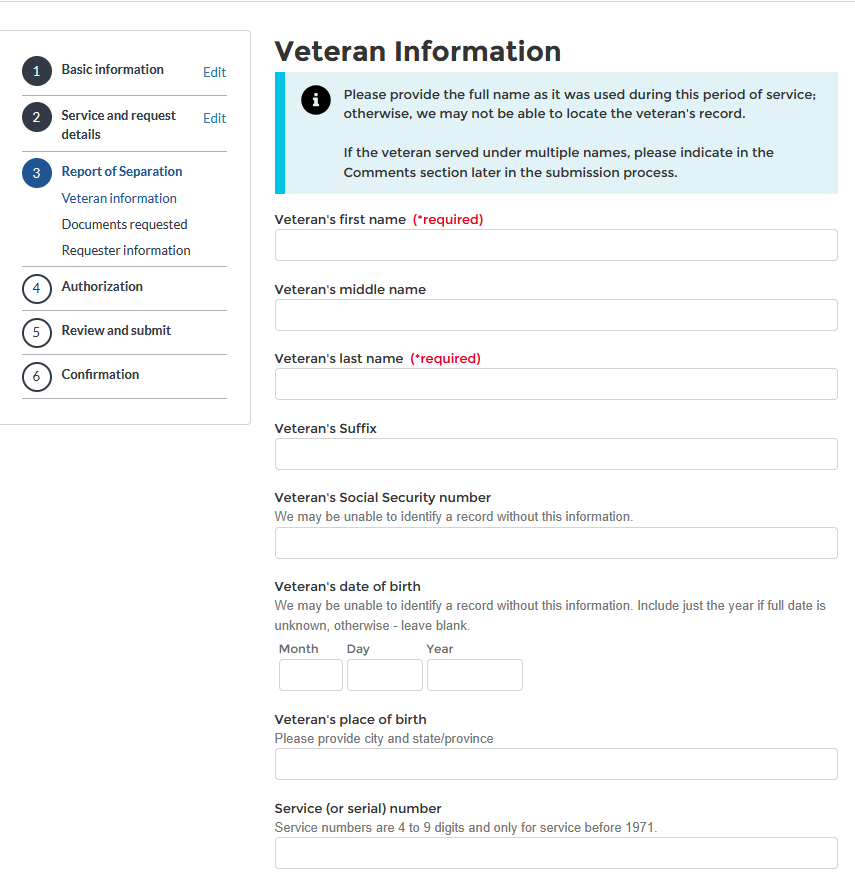
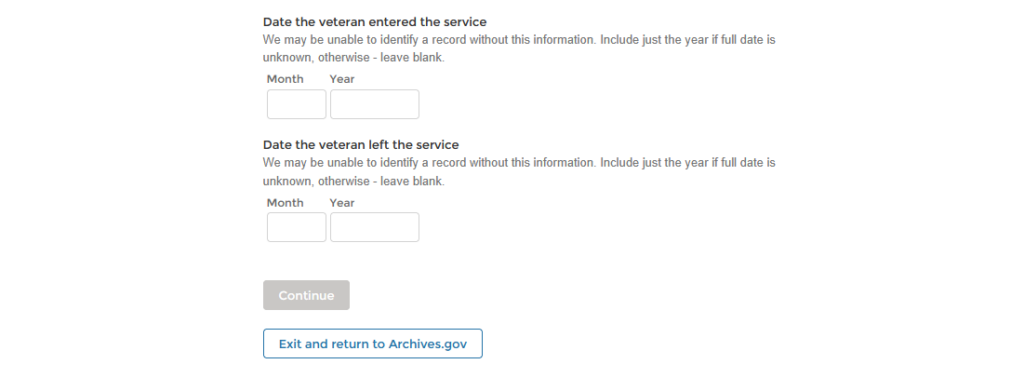
On the Documents Requested Select – Undeleted. I also put “I am requesting all military records to include medical records” in the comments box

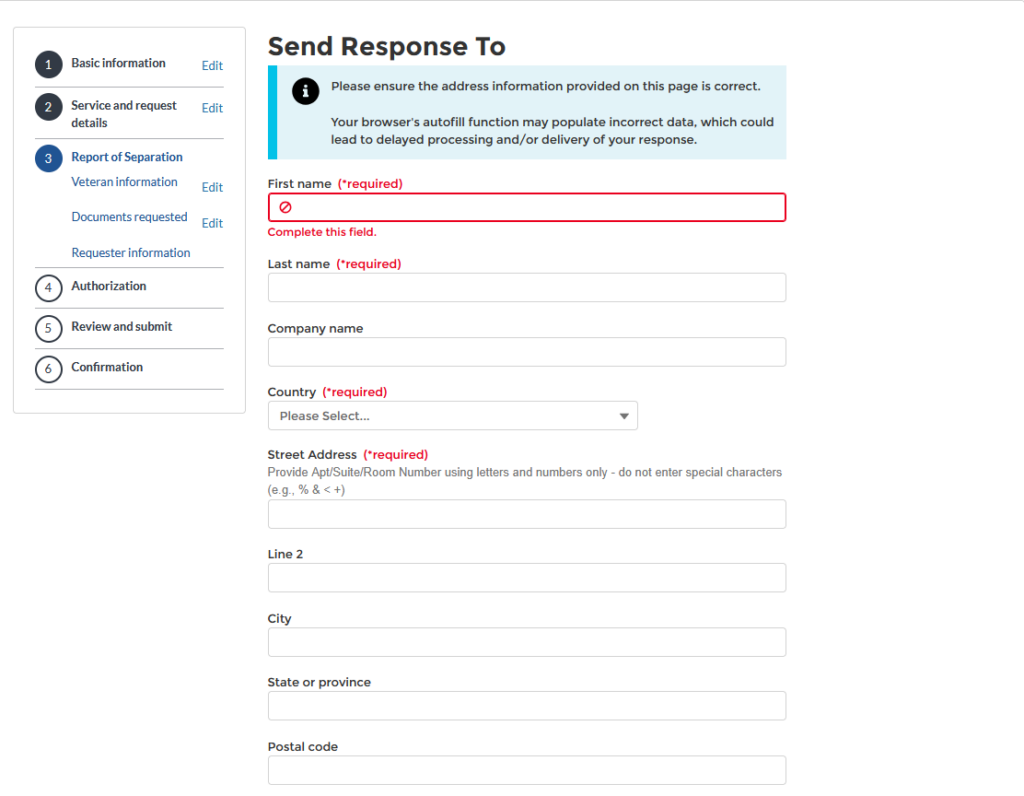
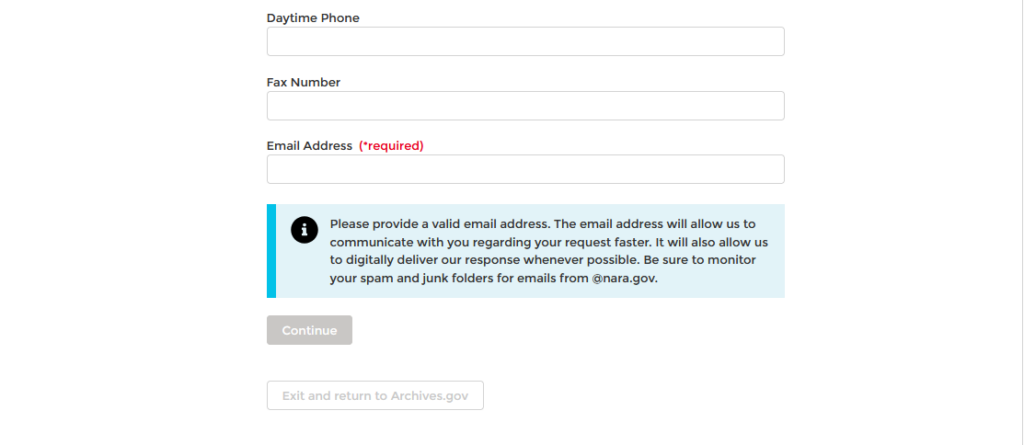
You might have to verify who you are but I Just hit continue
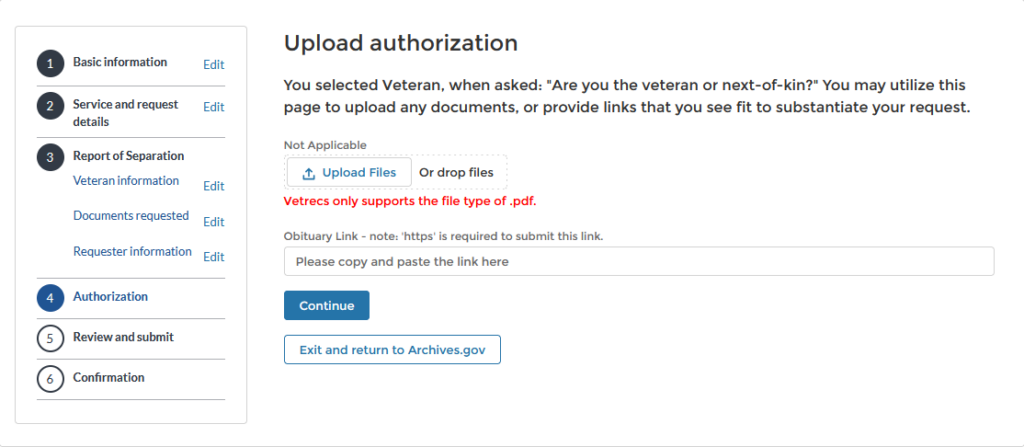
The next page will be every question you answered. Hit Submit Request
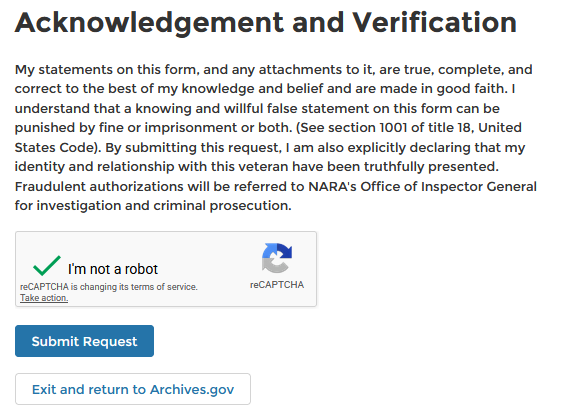
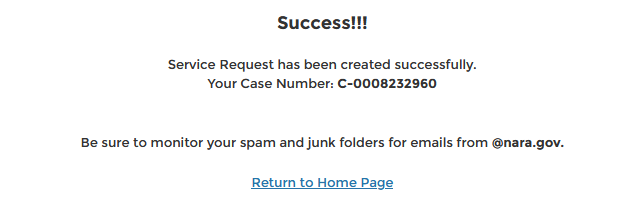
The last page is IMPORTANT Your C-0000000000 number is how you check the status of your request